Skip to content
RetailInteractive prototypeVersion 1.0.0

POS system for small retail shops

Ring up a sale in seconds — and close the day with a drawer that adds up.

A browser-based register for small shops: fast checkout, cash, card and split payments, receipts, refunds and shift closing with a Z report.

  • 72-hour private workspace
  • Pre-filled with synthetic data
  • Isolated from other users
  • No payment details required
9:41
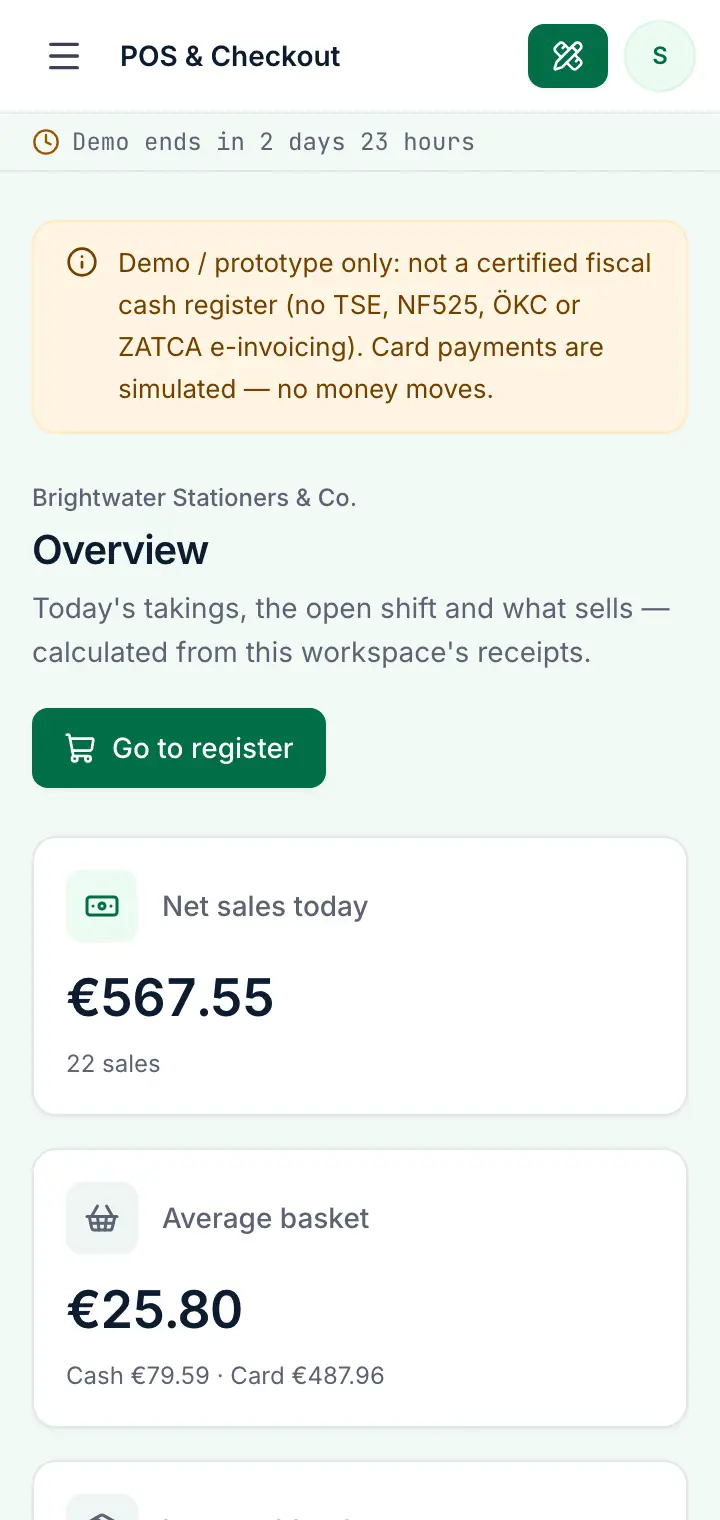
Guided preview: real screens from the live POS & Checkout demo, on a tablet and on a phone

What POS & Checkout does

A point-of-sale prototype for small retail shops. Sell from a touch-friendly register with search and barcode entry, apply discounts, take cash with change, card or split payments, print receipts, refund items back into stock, open and close shifts with a counted cash drawer, and see sales, VAT and best sellers in reports.

This is an interactive prototype for evaluation — not a hosted product you can subscribe to. A production version is built and adapted for your organization on request.

Who it is for

  • Small shops and boutiques that sell over the counter
  • Stationery, gift, book and concept stores with a few hundred products
  • Owners who want to see takings, best sellers and stock at a glance
  • Businesses that plan a custom POS connected to their own stock or shop

Key features

Fast register

Product tiles by category, search and barcode entry, quantity buttons and a live basket with VAT included in every price.

Cash, card or both

Quick-cash buttons with the change due, instant card payments in the demo and split payments with a cash part.

Discount presets

Percentage or fixed-amount basket discounts, spread over the lines so VAT stays correct; some can be restricted to managers.

Receipts and refunds

Every receipt with VAT per rate and payment details; refund single units or whole lines and put tracked items back into stock.

Shifts and cash-up

Open a shift with a float, record pay-ins and pay-outs, then count the drawer: the X and Z reports show the expected cash and any difference.

Products and stock

Prices incl. VAT, categories with colours, SKUs and barcodes, stock that counts down with each sale and low-stock warnings.

Sales reports

Net sales per day, sales by category and cashier, payment mix and VAT collected per rate over 7, 30 or 90 days.

Roles

Store manager, cashier and a read-only bookkeeper — the cashier can't refund, edit products or apply manager discounts.

Workflows you can try

  1. 01

    Sell and give change

    Add a few products, pay cash with a quick-cash button, and the register shows the change to give back.

  2. 02

    Split a payment

    Take part of the total in cash and the rest by card; both appear on the receipt and in the shift report.

  3. 03

    Refund an item

    Open a receipt, choose the units to refund and the method — the item goes back into stock and the shift's cash drawer is adjusted.

  4. 04

    Close the day

    Record a pay-out, count the drawer and close the shift; the Z report shows sales, VAT by rate and the cash difference.

  5. 05

    Manage the catalogue

    Add a product with a barcode and VAT rate, change prices and watch the low-stock list on the overview.

  6. 06

    Compare roles

    Switch to the cashier role and see which actions disappear, or to the bookkeeper for a read-only view of receipts and reports.

Screenshots from the live demo

Captured from the current version of the prototype.

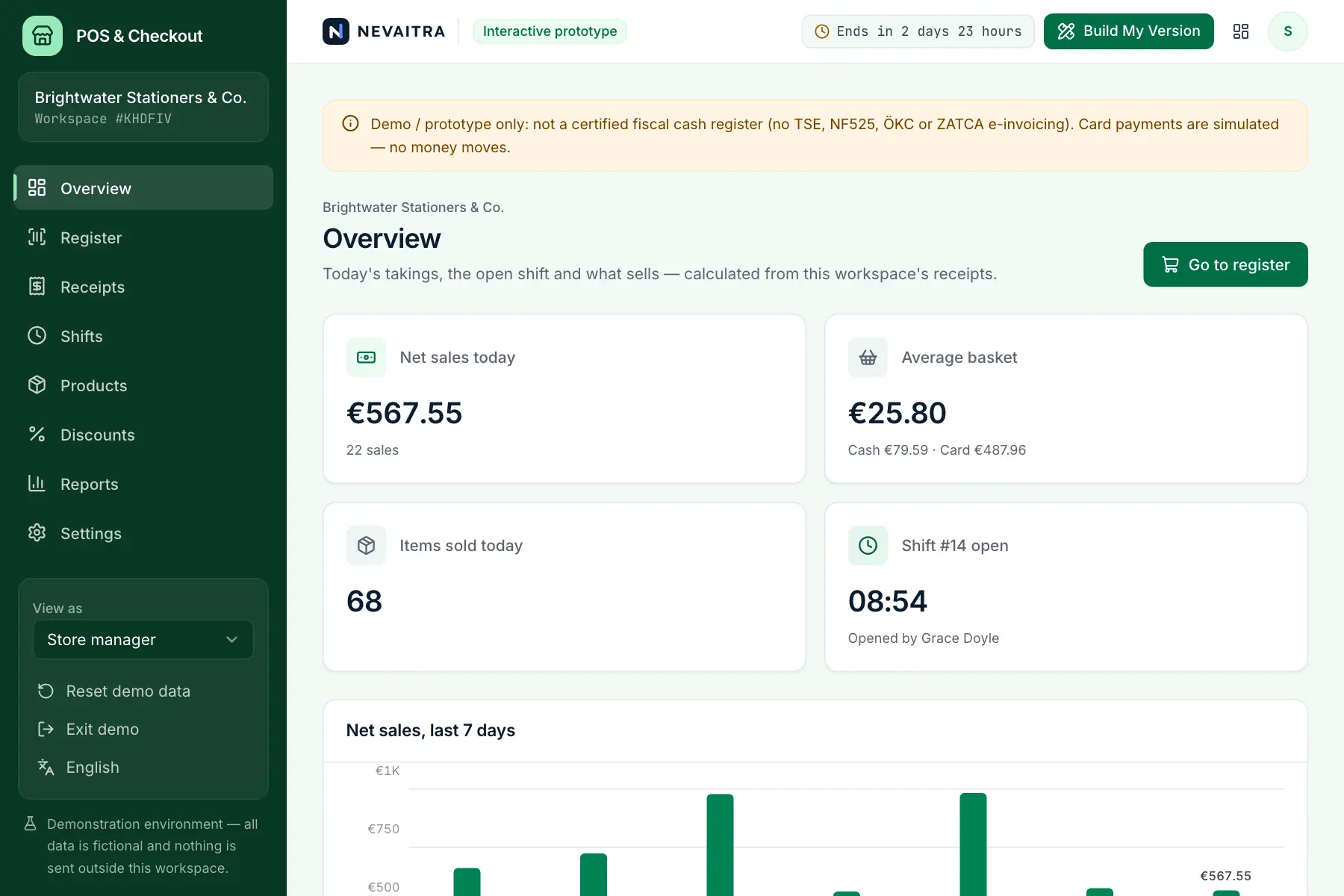
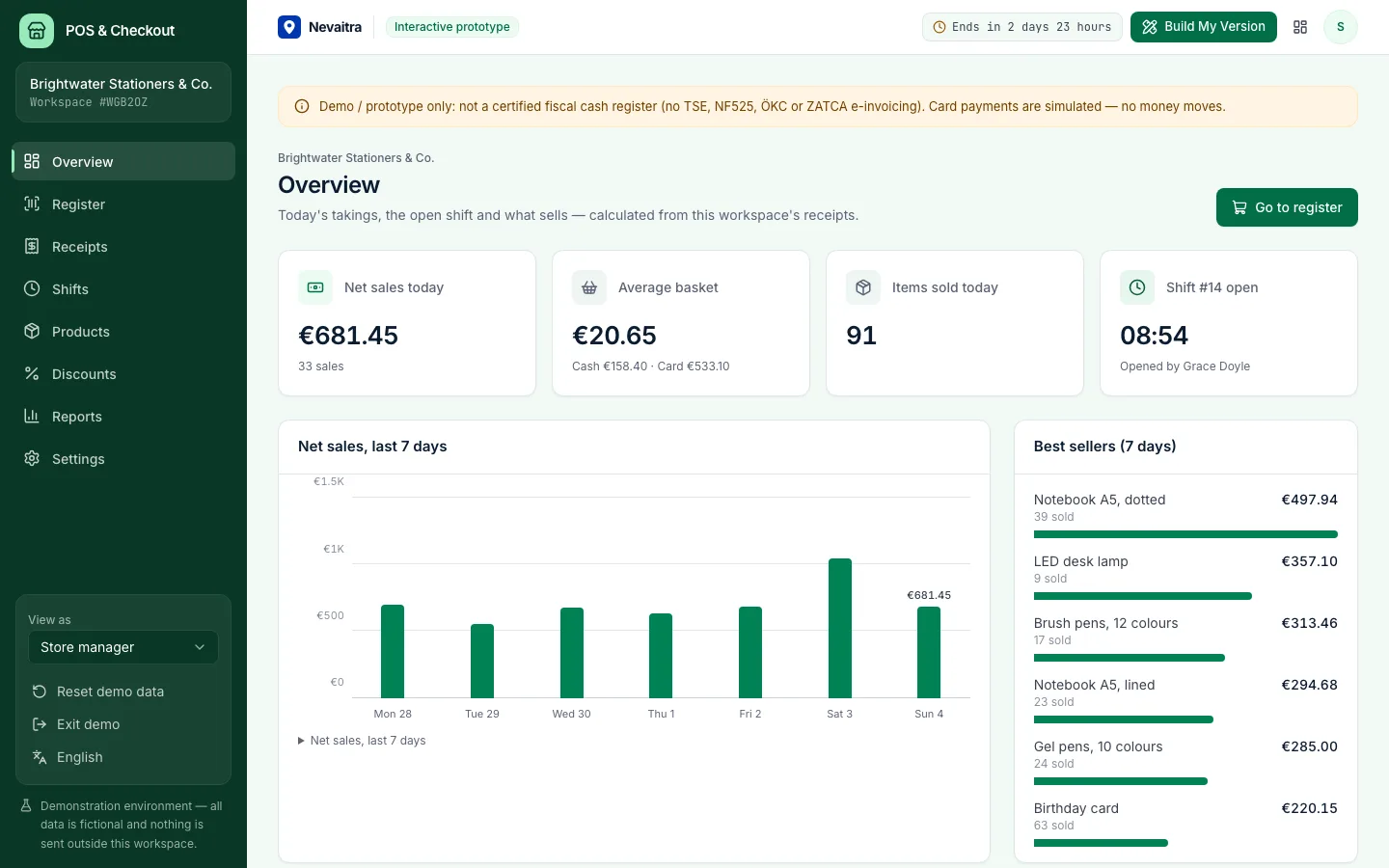
Point of sale dashboard with today's sales, open shift and best sellers
Today's takings and the open shift at a glance
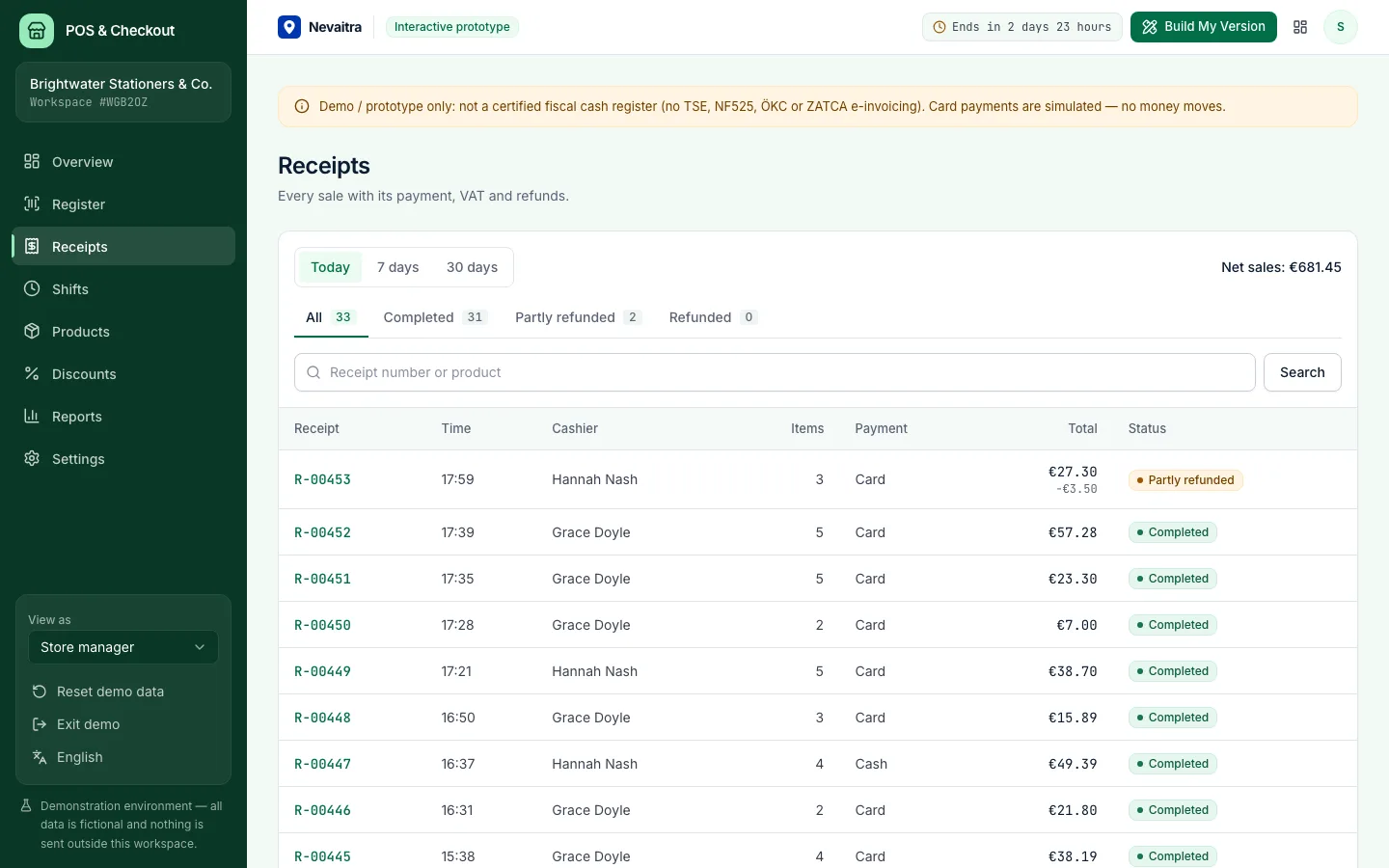
List of completed sales with receipt numbers, payment methods and totals
Every sale with its receipt, payment and refunds

How the live demo works

  1. 01Create an account or sign in with Google — no payment details needed.

  2. 02A private workspace filled with fictional sample data is created for you in seconds.

  3. 03Work through the workflows and switch the demo role in the sidebar to see what each role can do.

  4. 04Click “Build My Version” — your request includes the demo and the features you tried.

What the demo includes

  • A fictional stationery, books and gift shop with about 35 products in 6 categories
  • Two weeks of closed shifts with receipts, discounts, refunds and cash counts
  • Today's shift already open when you start during opening hours
  • VAT rates and currency of the language you start the demo in
  • Three demo roles: Store manager, Cashier and Bookkeeper (read-only)

Demo limitations

  • Demo / prototype only — not a certified fiscal POS (no TSE, NF525, ÖKC or ZATCA e-invoicing)
  • No card terminal or payment provider: card payments are approved instantly in the demo
  • No receipt printer, cash drawer or scale hardware — receipts are printed from the browser
  • One register per workspace, no offline mode
  • No customer accounts, loyalty points or gift cards

What can be customized

  • Fiscalisation for your country (e.g. TSE in Germany, NF525 in France, ZATCA in Saudi Arabia)
  • Card terminal and payment provider integration
  • Receipt printers, cash drawers, barcode scanners and scales
  • Several registers and stores with central stock
  • Loyalty programme, customer accounts and gift cards
  • Connection to your online shop, inventory or accounting

What happens when the demo ends

After 72 hours the workspace and every record you created are permanently deleted. Your account stays active, and you can request a customized version at any time.

Technologies

  • Next.js
  • TypeScript
  • PostgreSQL
  • Prisma
  • Tailwind CSS

Frequently asked questions

What is a POS system?

A point-of-sale (POS) system is the till software a shop uses to ring up sales, take payment, issue receipts and count the cash drawer at the end of the day. This demo runs in the browser and covers checkout with cash, card or split payments, receipts, refunds, shift closing with a Z report and sales reports. It is not a certified fiscal till and is not connected to card terminals or printers.

Can I use this as my shop's cash register?

No. It's a working prototype with fictional data. Many countries require a certified, fiscalised register; a production version would add that certification and the hardware you use.

How is VAT calculated on the receipt?

Shelf prices include VAT. The VAT of each line is worked out from its total at the product's rate; a basket discount is split over the lines first, so the VAT per rate stays correct.

What happens when a shift is closed?

You count the cash in the drawer. The system compares it with the opening float plus cash takings, minus cash refunds and pay-outs, and keeps the difference in the Z report.

How is this different from the ERP demo?

The POS is about the counter: fast checkout, payments, receipts, refunds and the cash drawer. The ERP handles customers, stock and invoices to business customers.

View all projects
RetailLive demo
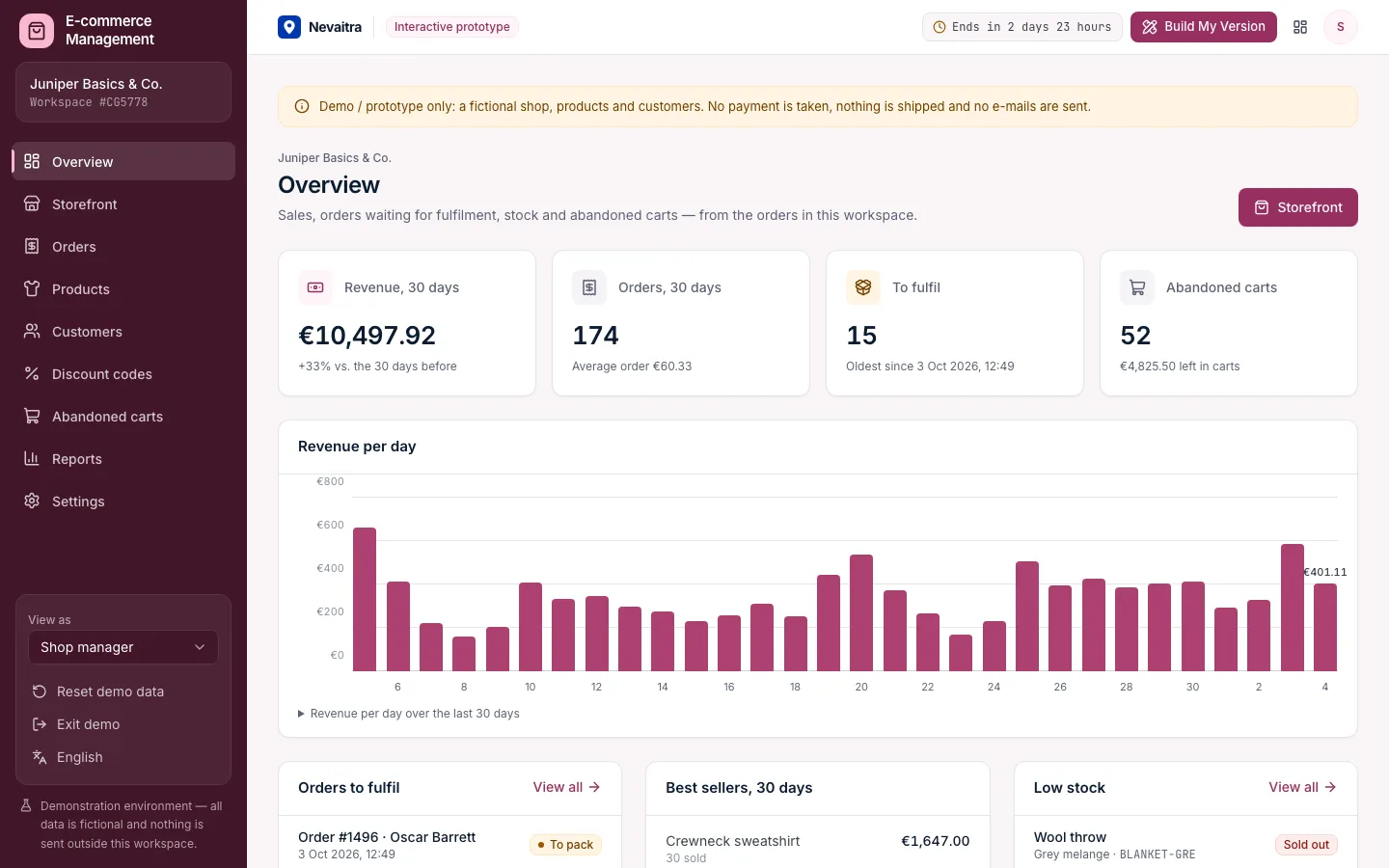
Shop overview with revenue, orders to fulfil, best sellers, low stock and abandoned carts

E-commerce Management

A shop back office with a working storefront: products in sizes and colours, checkout with discount codes, fulfilment with tracking, returns, customers and abandoned carts.

  • Storefront
  • Cart and checkout
  • Orders
  • Fulfilment

Built with: Next.js · TypeScript · PostgreSQL · Prisma
Human resourcesLive demo
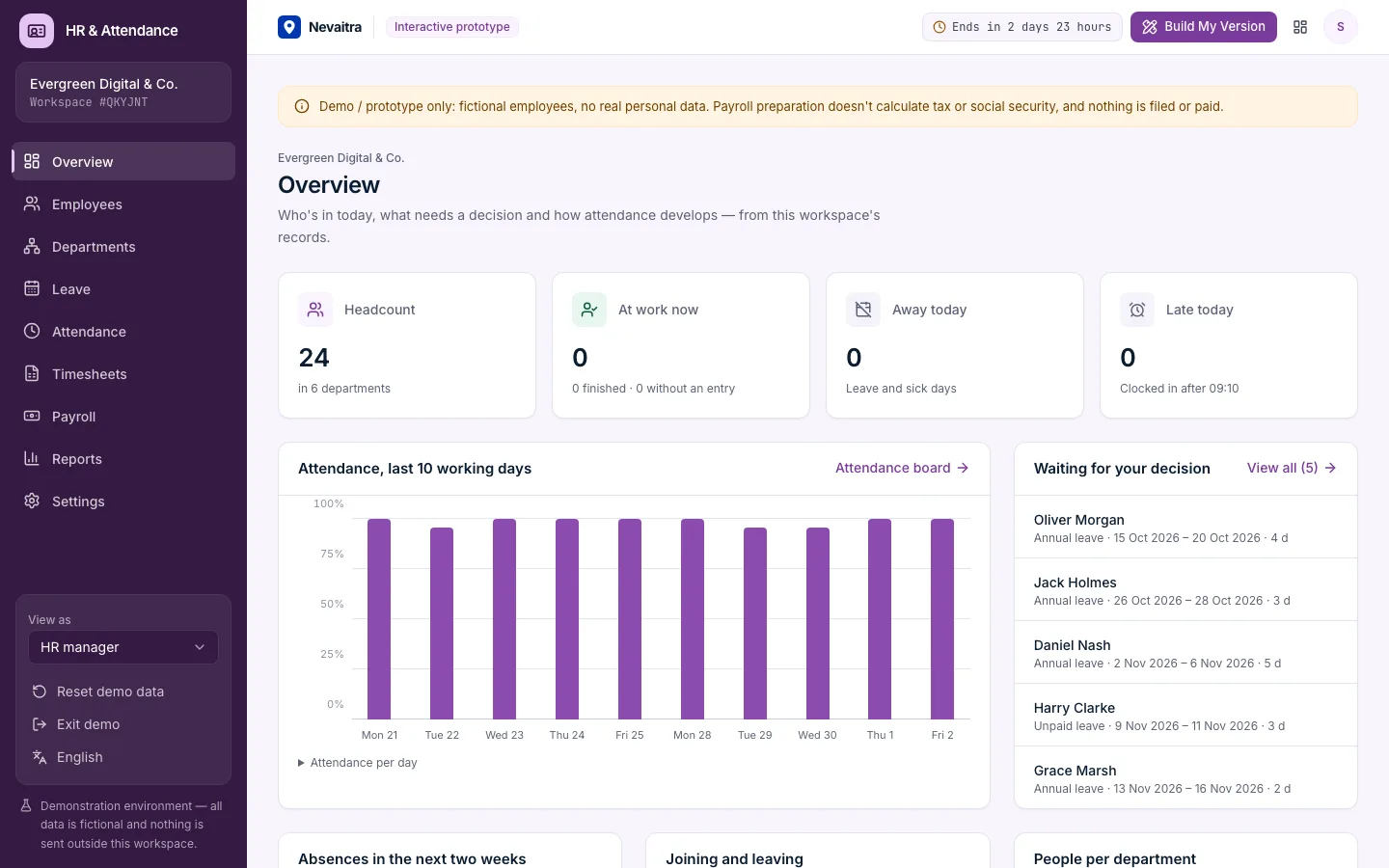
HR dashboard with headcount, people on leave today and pending requests

HR & Attendance

Employee records, leave requests with approvals and balances, clock-in/clock-out, monthly timesheets and payroll preparation for small teams.

  • Employee records
  • Leave requests and approvals
  • Clock in and out
  • Monthly timesheets

Built with: Next.js · TypeScript · PostgreSQL · Prisma
OperationsLive demo
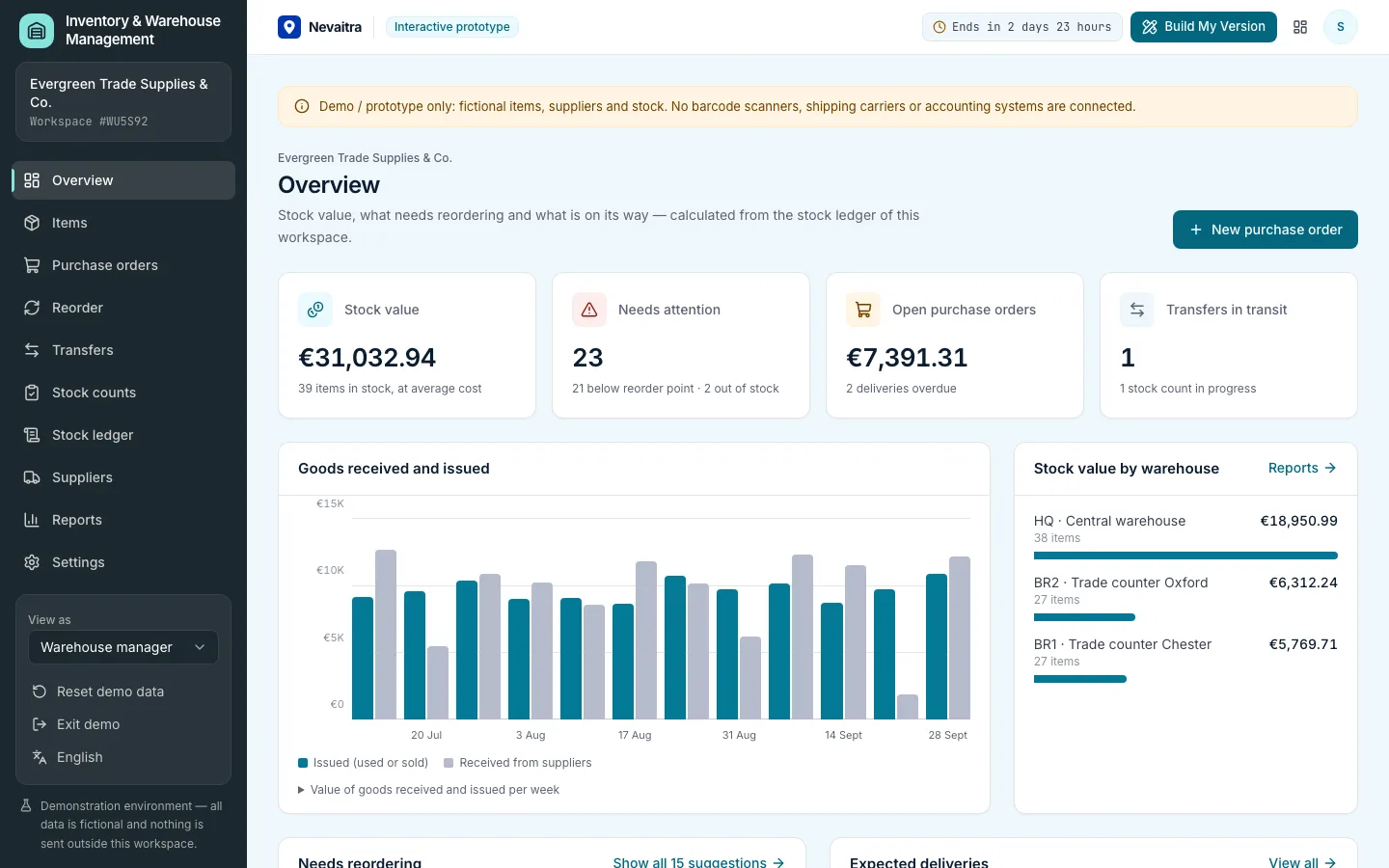
Inventory overview with stock value, items below their reorder level and incoming purchase orders

Inventory & Warehouse Management

Stock in several warehouses, a complete stock ledger, purchase orders with partial receipts, transfers, stock counts, reorder suggestions and average-cost valuation.

  • Items and stock levels
  • Stock ledger
  • Purchase orders
  • Partial receiving

Built with: Next.js · TypeScript · PostgreSQL · Prisma

Want this system, adapted to how you work?

Request a customized version. Mention what you tried in the demo and what needs to be different.