Skip to content
Sales & CRMInteractive prototypeVersion 1.0.0

CRM software for small sales teams

Every deal, every next step and a forecast you can trust.

Companies, contacts and deals on a pipeline board — with activities, a weighted forecast and win/loss analysis for small sales teams.

  • 72-hour private workspace
  • Pre-filled with synthetic data
  • Isolated from other users
  • No payment details required
9:41
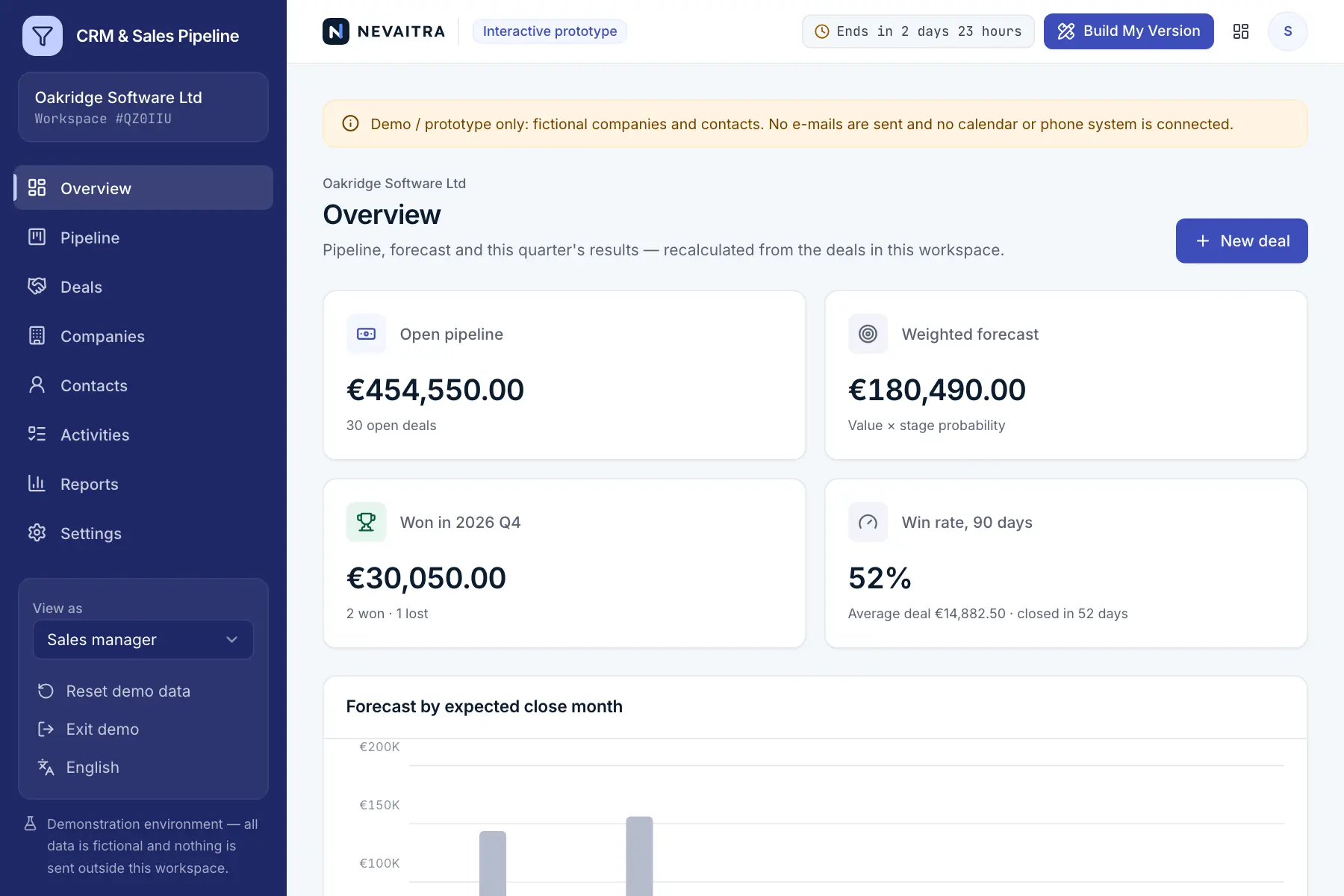
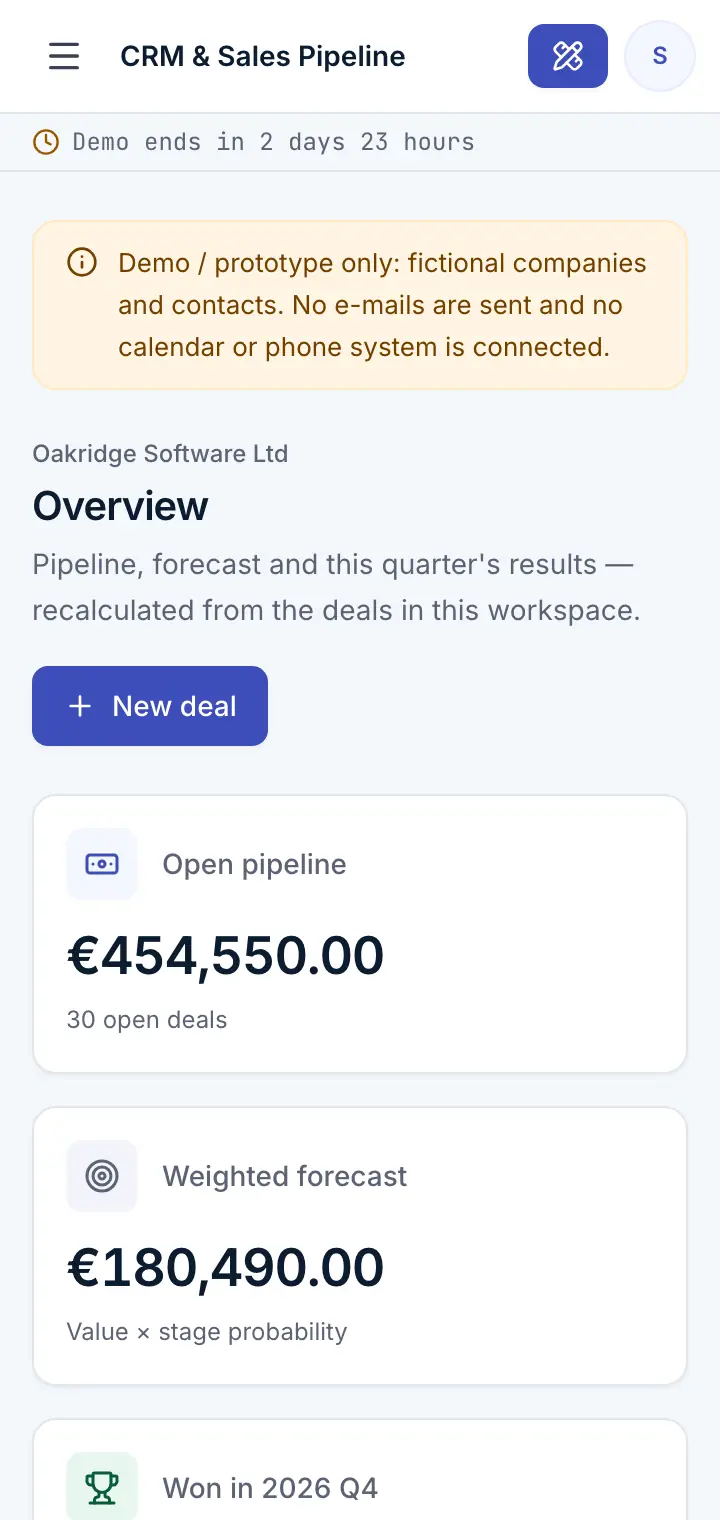
Guided preview: real screens from the live CRM & Sales Pipeline demo, on a tablet and on a phone

What CRM & Sales Pipeline does

A CRM prototype for B2B sales teams of 2 to 50 people. Keep companies and contacts in one place, move deals through your pipeline stages with a full history, plan calls, meetings and tasks so no deal goes cold, forecast revenue by expected close month and learn from won and lost deals — with manager, rep and read-only roles.

This is an interactive prototype for evaluation — not a hosted product you can subscribe to. A production version is built and adapted for your organization on request.

Who it is for

  • Small B2B companies selling services, software or equipment
  • Sales teams that track deals in spreadsheets and lose the next steps
  • Sales managers who need a forecast and to see where deals get stuck
  • Businesses that want a CRM tailored to their own sales process

Key features

Pipeline board

Deals by stage with value, owner, expected close and the next planned step; move deals forward or back in one click.

Deals with full history

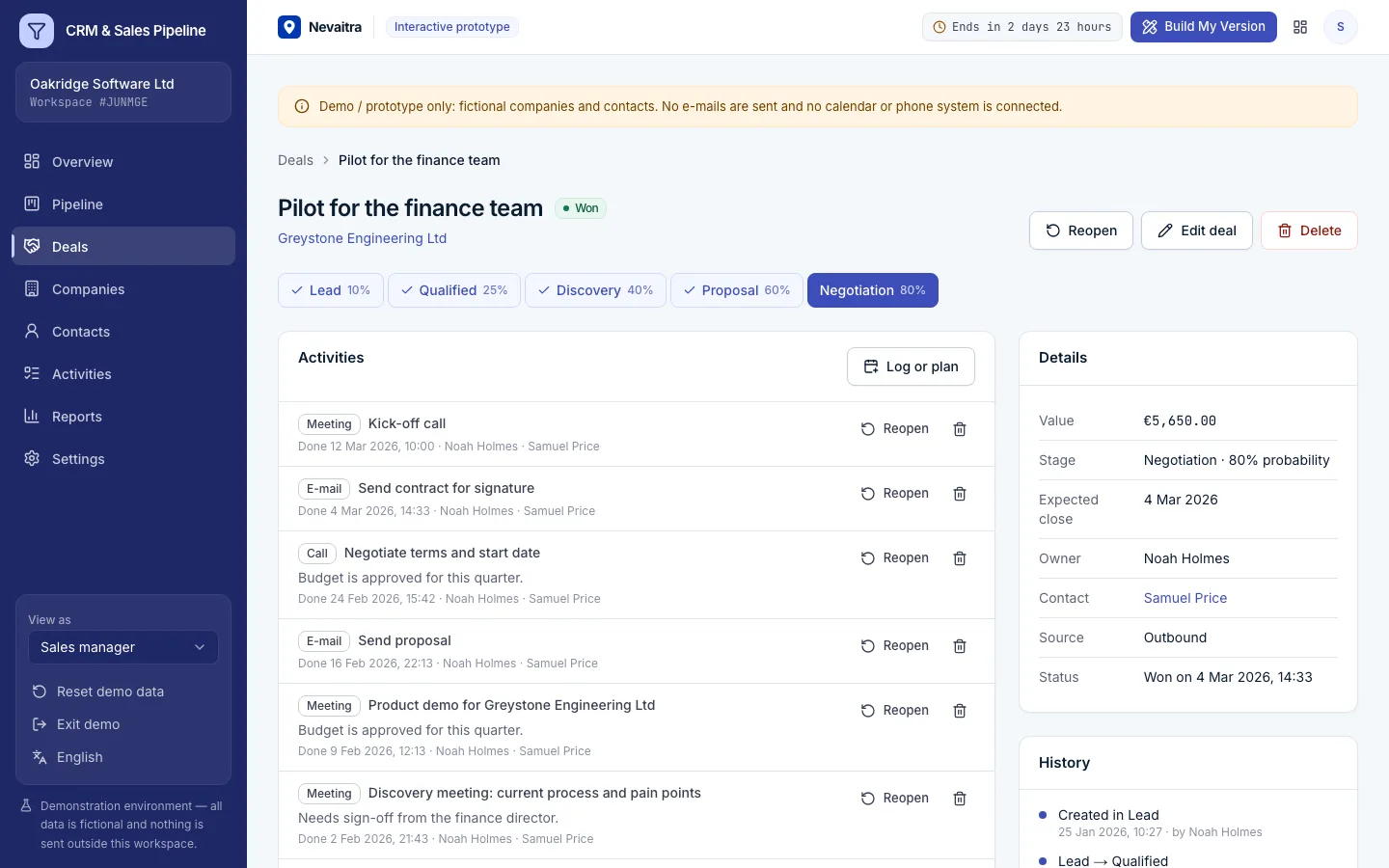
Every stage change, win, loss and reopening is recorded with who and when; lost deals keep their reason.

Activities that keep deals moving

Plan calls, meetings, e-mails and tasks with due dates; overdue ones stand out on the dashboard and the board.

Weighted forecast

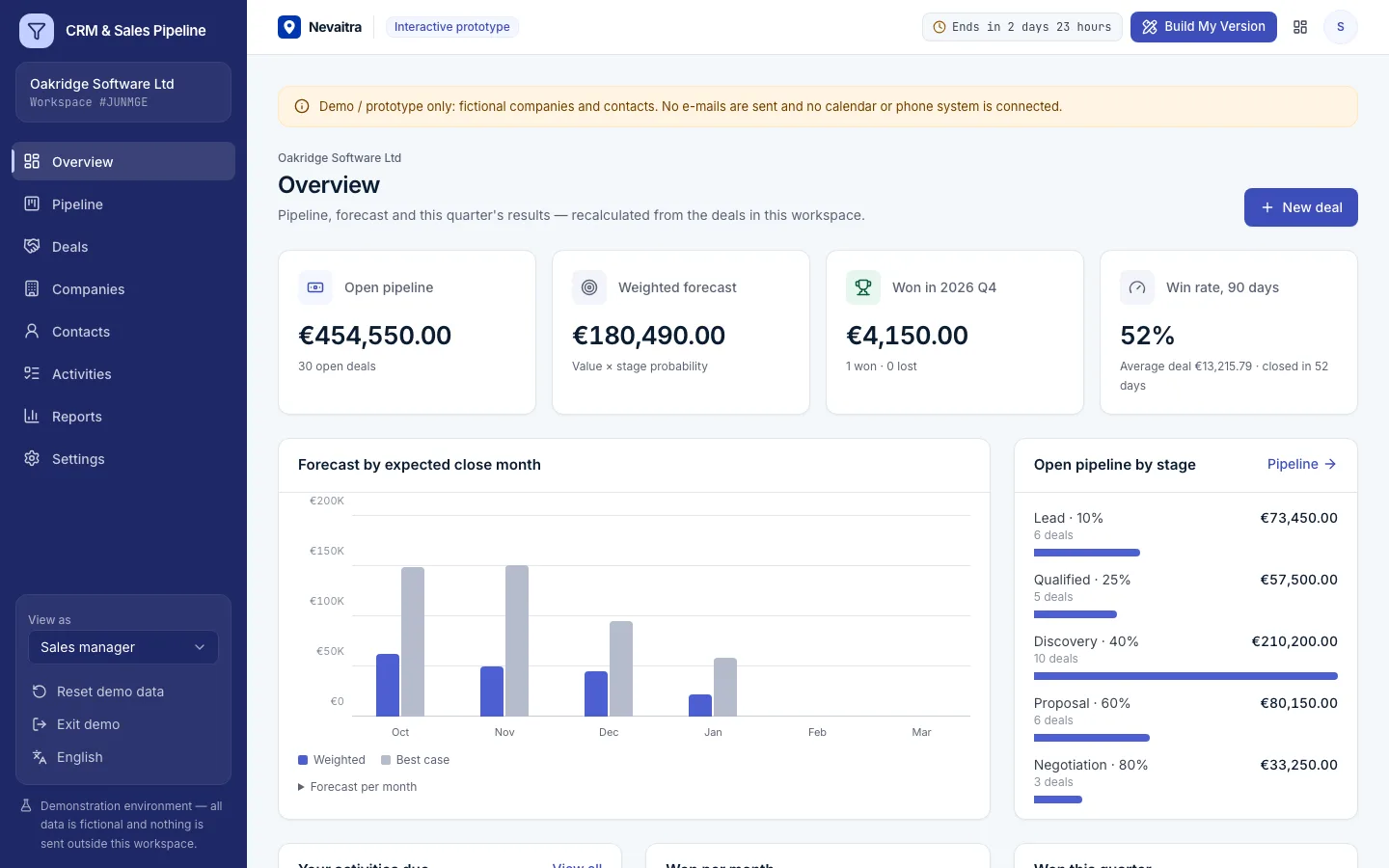
Open pipeline, value × stage probability, won this quarter and a forecast by expected close month.

Win/loss analysis

Win rate, sales cycle, stage conversion, lost reasons and results by owner and lead source.

Companies and contacts

Accounts with their people, open pipeline, won business and the complete activity timeline.

Your pipeline

Rename stages, set their probabilities, reorder them and maintain your own lost reasons.

Roles

Managers see and reassign everything, reps work their own deals, management gets a read-only view.

Workflows you can try

  1. 01

    Move a deal through the pipeline

    Open the board, move a deal to the next stage and see the weighted forecast change.

  2. 02

    Win or lose a deal

    Mark a deal as won, or as lost with a reason — both appear in the history and the reports.

  3. 03

    Plan the next step

    Log the call you just had and plan a follow-up; overdue tasks show up on the dashboard.

  4. 04

    Add a new opportunity

    Create a company and a contact, then a deal with value and expected close date.

  5. 05

    Review the quarter

    Check win rate, cycle length and lost reasons by owner and source.

  6. 06

    Compare roles

    Switch to a sales rep and see that only their own deals can be changed, or to the read-only view.

Screenshots from the live demo

Captured from the current version of the prototype.

CRM dashboard with open pipeline value, deals won and upcoming activities
Pipeline value, wins and the week's activities
Deal detail with value, stage, contacts and activity timeline
Each deal with its contacts and activity history

How the live demo works

  1. 01Create an account or sign in with Google — no payment details needed.

  2. 02A private workspace filled with fictional sample data is created for you in seconds.

  3. 03Work through the workflows and switch the demo role in the sidebar to see what each role can do.

  4. 04Click “Build My Version” — your request includes the demo and the features you tried.

What the demo includes

  • A fictional B2B software company with a four-person sales team
  • About 35 companies with contacts and 90 deals in every stage and outcome
  • Nine months of stage history, won and lost deals and hundreds of activities
  • Currency of the language you start the demo in
  • Three demo roles: Sales manager, Sales rep and Management (read-only)

Demo limitations

  • Demo / prototype only — fictional companies and people
  • No e-mail sending, inbox sync, calendar or telephony integration
  • No quotes or invoices — see the Accounting and ERP demos for that
  • No marketing automation, lead scoring or web forms
  • Single currency per workspace

What can be customized

  • E-mail and calendar sync (Microsoft 365, Google Workspace)
  • Web forms and lead capture from your website
  • Quotes and contracts generated from deals
  • Integration with your ERP, accounting or support desk
  • Your own pipelines per product line or region
  • Territory and commission rules

What happens when the demo ends

After 72 hours the workspace and every record you created are permanently deleted. Your account stays active, and you can request a customized version at any time.

Technologies

  • Next.js
  • TypeScript
  • PostgreSQL
  • Prisma
  • Tailwind CSS

Frequently asked questions

What is CRM software?

CRM (customer relationship management) software keeps your companies, contacts and sales opportunities in one place, so every deal has an owner and a next step. This demo covers companies and contacts, a deal pipeline board, activities and follow-ups, a weighted forecast and win/loss analysis for small B2B sales teams.

How is the weighted forecast calculated?

Each open deal counts with its value multiplied by the probability of its current stage. Deals are grouped by expected close month; deals already past that date count in the current month.

Can sales reps see each other's deals?

Yes, everyone can see the pipeline, but reps can only change their own deals and activities. Managers can change and reassign everything.

What happens to the history when a deal is reopened?

Nothing is overwritten: the reopening is added to the history, and the deal continues from the stage it was closed in.

How is this different from the ERP demo?

The ERP covers orders, invoices and stock. The CRM covers everything before the sale: accounts, contacts, pipeline, activities and forecasting.

View all projects
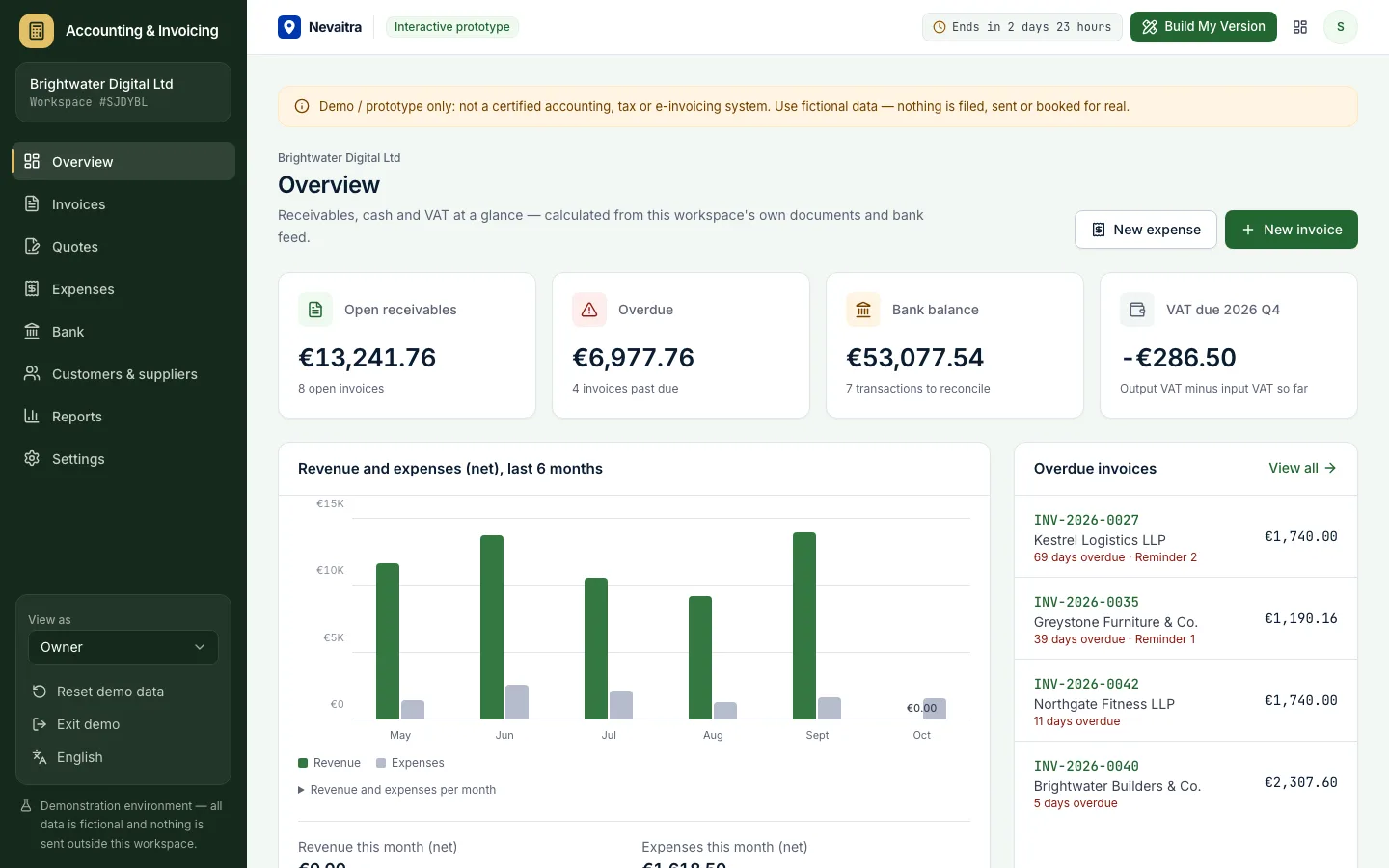
FinanceLive demo
Accounting dashboard with open receivables, overdue invoices, bank balance and VAT due

Accounting & Invoicing

Quotes, VAT invoices, expenses and bank reconciliation for small businesses — with VAT, P&L and aging reports.

  • Invoices with VAT per line
  • Quotes to invoices
  • Expenses with VAT
  • Bank reconciliation

Built with: Next.js · TypeScript · PostgreSQL · Prisma
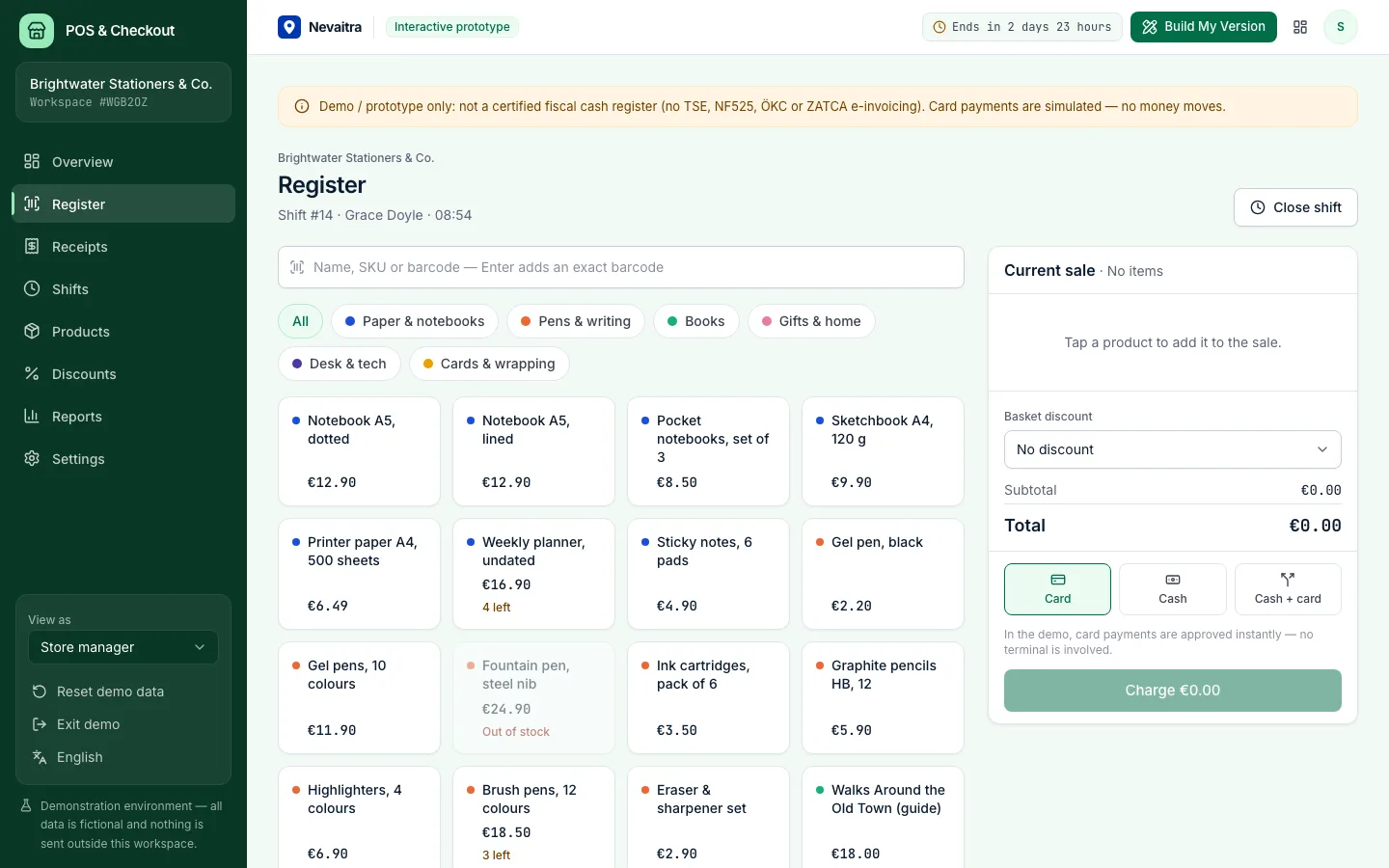
RetailLive demo
Point of sale register with the product grid, categories and the sale panel

POS & Checkout

A browser-based register for small shops: fast checkout, cash, card and split payments, receipts, refunds and shift closing with a Z report.

  • Fast register
  • Cash, card or both
  • Discount presets
  • Receipts and refunds

Built with: Next.js · TypeScript · PostgreSQL · Prisma
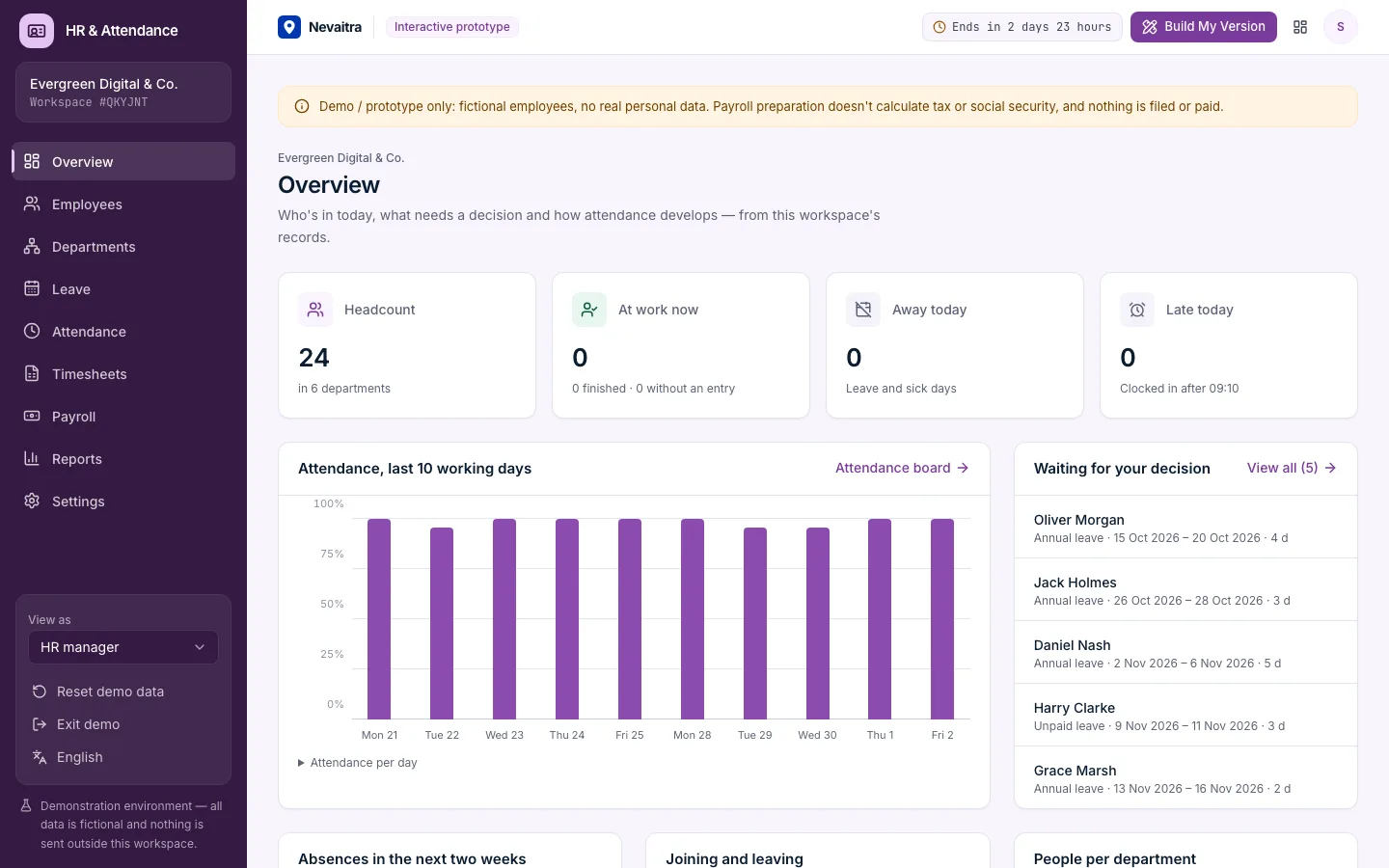
Human resourcesLive demo
HR dashboard with headcount, people on leave today and pending requests

HR & Attendance

Employee records, leave requests with approvals and balances, clock-in/clock-out, monthly timesheets and payroll preparation for small teams.

  • Employee records
  • Leave requests and approvals
  • Clock in and out
  • Monthly timesheets

Built with: Next.js · TypeScript · PostgreSQL · Prisma

Want this system, adapted to how you work?

Request a customized version. Mention what you tried in the demo and what needs to be different.