Skip to content
OperationsInteractive prototypeVersion 1.0.0

Inventory and warehouse management software

Know what is in stock, where — and what to order next.

Stock in several warehouses, a complete stock ledger, purchase orders with partial receipts, transfers, stock counts, reorder suggestions and average-cost valuation.

  • 72-hour private workspace
  • Pre-filled with synthetic data
  • Isolated from other users
  • No payment details required
9:41
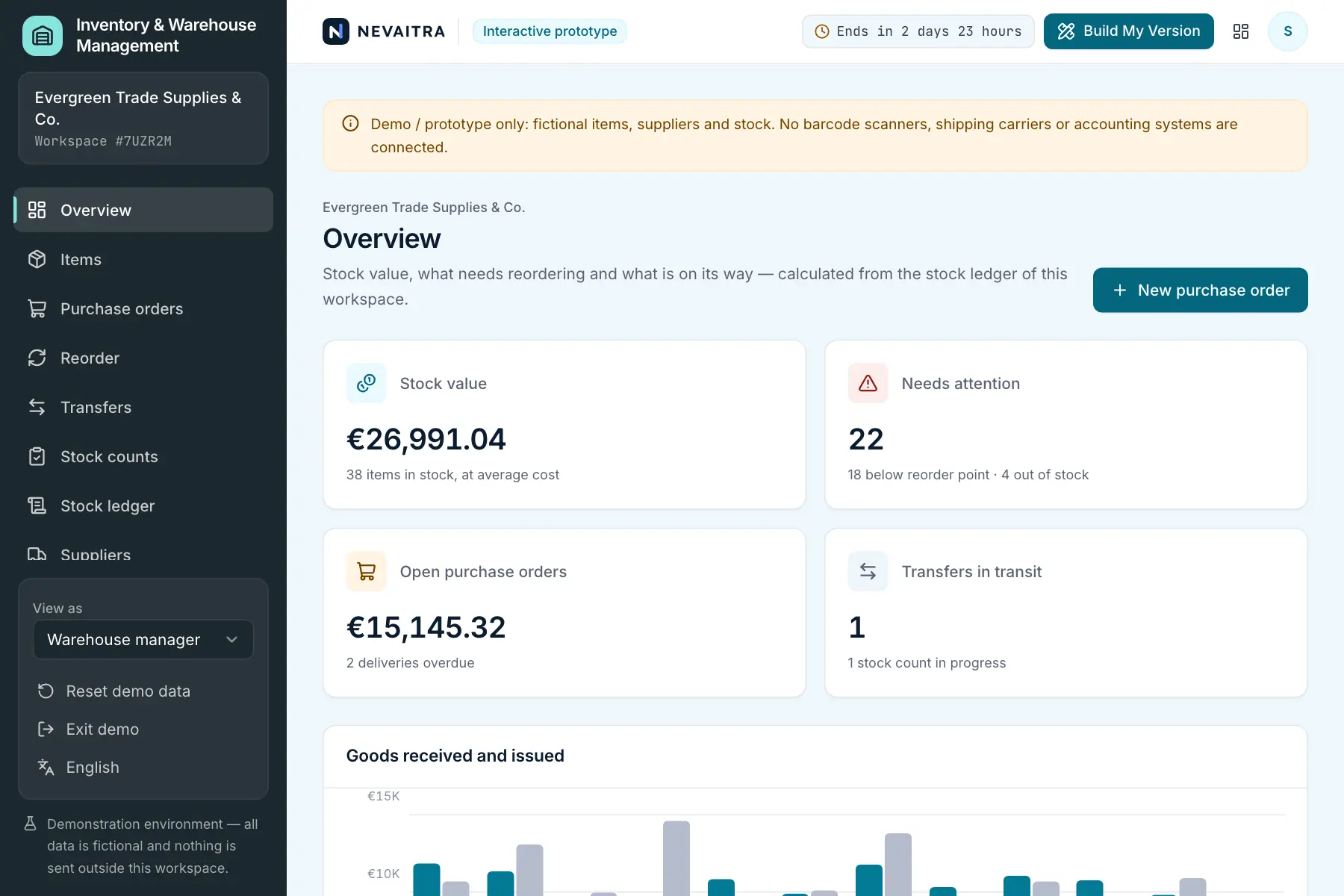
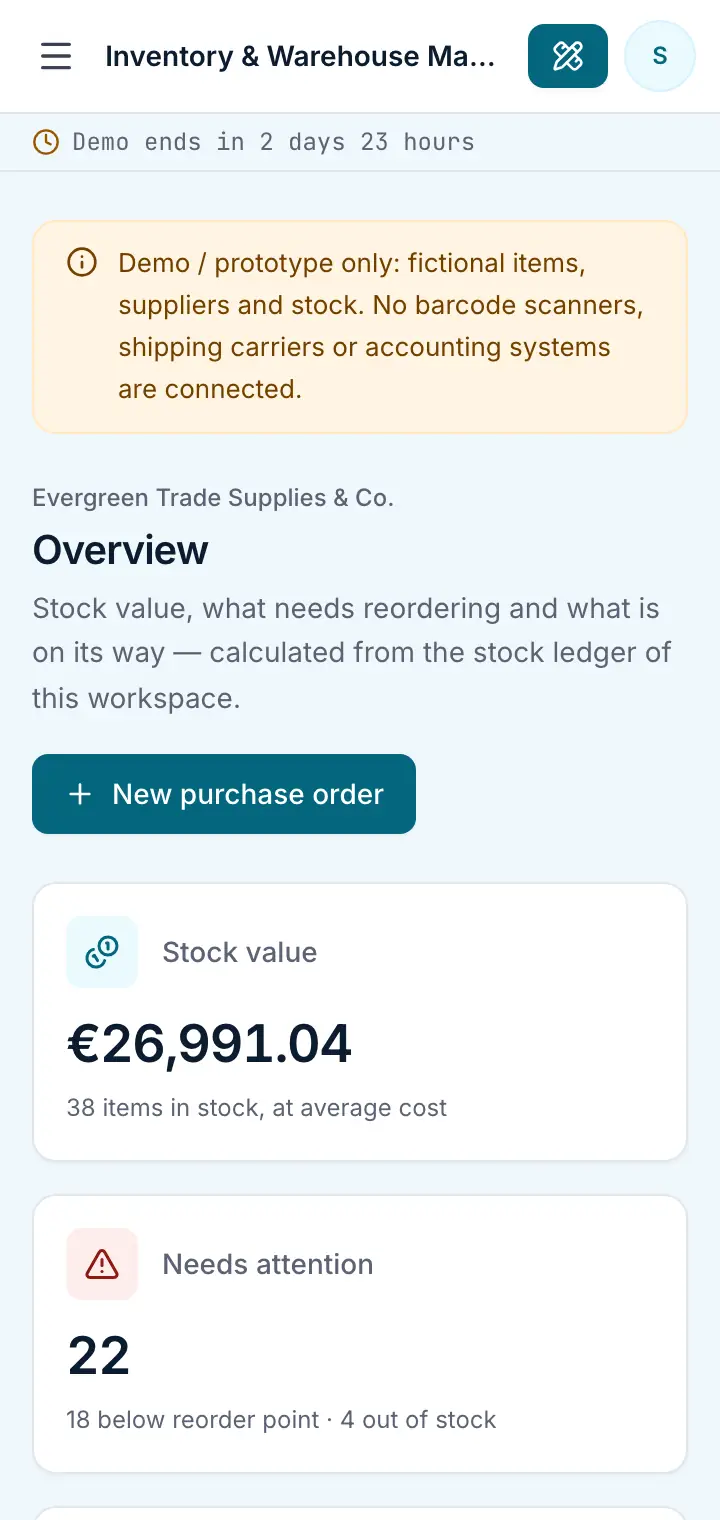
Guided preview: real screens from the live Inventory & Warehouse Management demo, on a tablet and on a phone

What Inventory & Warehouse Management does

An inventory management prototype for wholesalers, installers and anyone who keeps goods in more than one place. See what is in stock where, let the reorder list tell you what to buy, receive deliveries in full or in part, move stock between warehouses, count and book the differences — every change lands in a stock ledger with its reason and the resulting balance.

This is an interactive prototype for evaluation — not a hosted product you can subscribe to. A production version is built and adapted for your organization on request.

Who it is for

  • Wholesalers and trade counters with more than one location
  • Installers and service companies that keep parts in a warehouse and branches
  • Small manufacturers managing raw materials and bought-in parts
  • Teams that track stock in spreadsheets today

Key features

Items and stock levels

Every item with SKU, barcode, unit of measure and default supplier; quantity, bin location, reorder point and target level per warehouse.

Stock ledger

Every receipt, issue, transfer, correction and count difference is a ledger entry with its reason, value and the balance after it. Stock can never go below zero.

Purchase orders

Order from suppliers with proposed prices; the expected date follows the supplier's lead time and overdue deliveries stand out.

Partial receiving

Book what actually arrived — the rest stays outstanding. Over-receipts are refused; a partly delivered order can be closed short.

Reorder suggestions

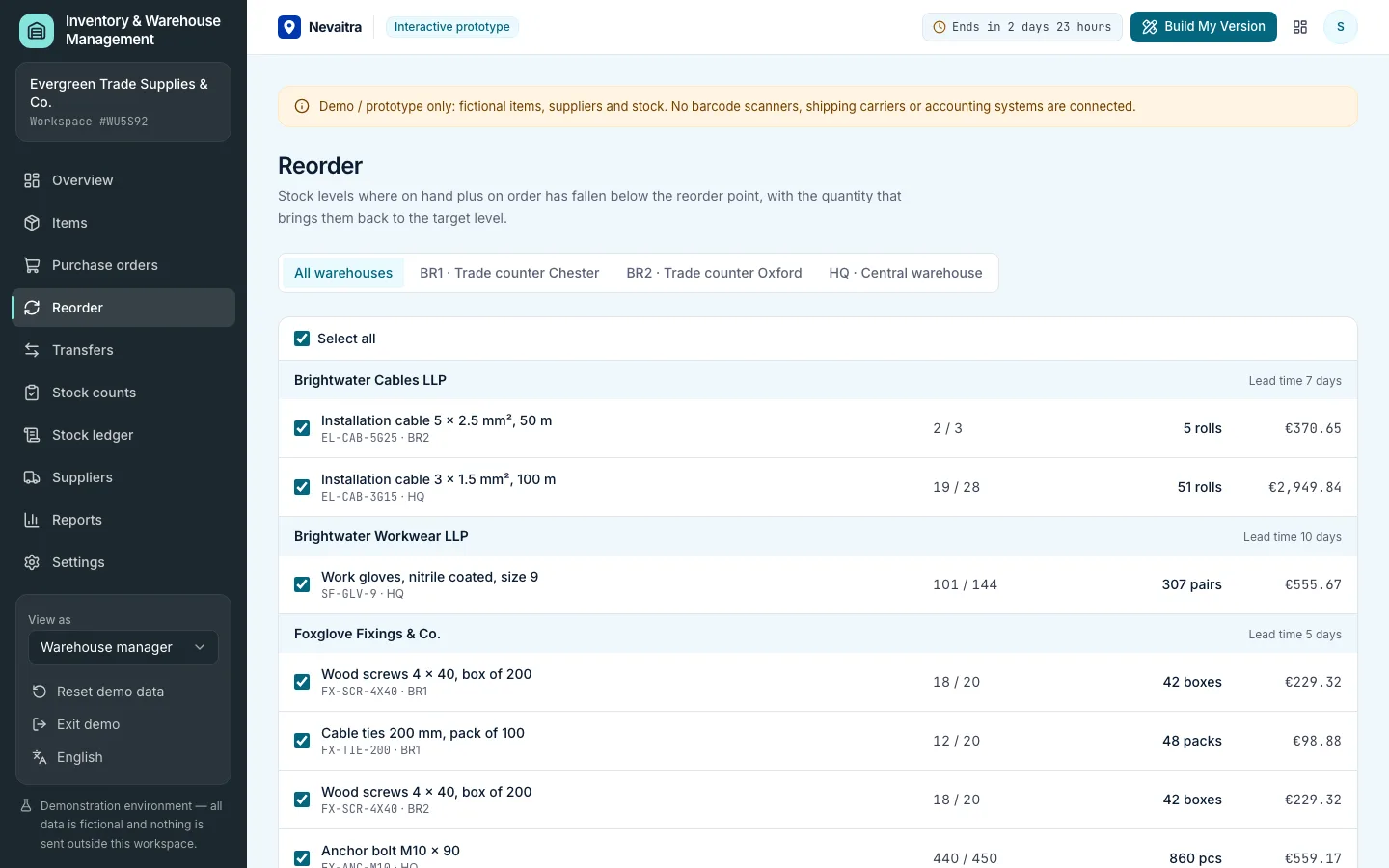
Levels where on hand plus on order is below the reorder point, with the quantity up to the target level — turned into orders per supplier in one step.

Warehouse transfers

Stock leaves the source when shipped, is in transit, and arrives when received.

Stock counts

Count a warehouse or a category on a count sheet sorted by bin; completing the count books each difference at average cost.

Valuation and ABC analysis

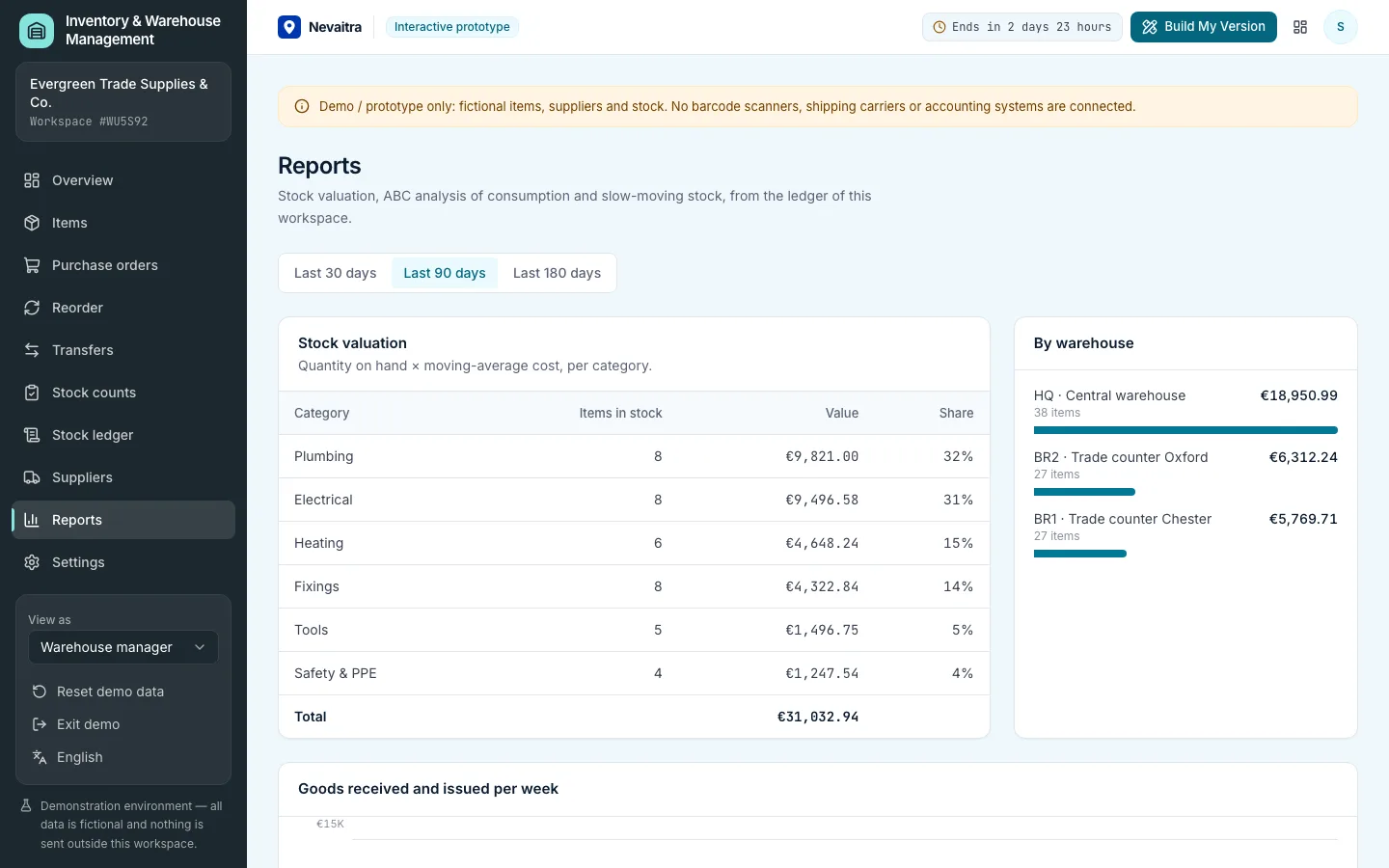
Stock value at moving-average cost by category and warehouse, ABC classes by consumption, slow movers and weekly goods flow.

Workflows you can try

  1. 01

    Reorder what is running low

    Open the reorder list, keep the suggested lines and create one purchase order per supplier.

  2. 02

    Receive a partial delivery

    Open an overdue order, book what arrived and see the order become partly received while the rest stays outstanding.

  3. 03

    Top up a branch

    Create a transfer from the central warehouse, ship it and receive it at the trade counter.

  4. 04

    Finish a stock count

    Enter the remaining counted quantities and complete the count — the differences appear in the ledger.

  5. 05

    Issue goods for a job

    Issue stock from an item's page and watch the balance, value and reorder state change.

  6. 06

    Check the valuation

    See stock value by category, the A items that drive consumption and the slow movers tying up cash.

Screenshots from the live demo

Captured from the current version of the prototype.

Reorder suggestions per item and warehouse with supplier, quantity on hand, on order and suggested quantity
Suggestions become draft purchase orders, one per supplier and warehouse
Inventory reports with stock valuation, ABC analysis, slow movers and weekly goods flow
Valuation at moving-average cost and the items that drive consumption

How the live demo works

  1. 01Create an account or sign in with Google — no payment details needed.

  2. 02A private workspace filled with fictional sample data is created for you in seconds.

  3. 03Work through the workflows and switch the demo role in the sidebar to see what each role can do.

  4. 04Click “Build My Version” — your request includes the demo and the features you tried.

What the demo includes

  • A fictional wholesaler of electrical, plumbing and heating supplies with a central warehouse and two trade counters
  • About 40 items in six categories, six suppliers with different lead times
  • 120 days of simulated business in the stock ledger: issues, deliveries at drifting prices, twice-weekly transfers and a completed count
  • Open work: orders on the way, one overdue, one partly received, a transfer in transit and a count in progress
  • Three demo roles: Warehouse manager, Warehouse clerk and Purchasing

Demo limitations

  • Demo / prototype only — fictional items, suppliers and stock
  • No barcode scanning, labels or mobile scanner app
  • No sales orders or invoicing; goods issues are booked by hand
  • Moving-average valuation only (no FIFO or batch/serial numbers)
  • No connection to accounting, e-commerce or shipping carriers

What can be customized

  • Barcode and QR scanning with label printing
  • Batch, serial number and expiry-date tracking
  • FIFO valuation and landed costs
  • Sales orders, picking lists and shipping
  • Integration with your webshop, POS or accounting software
  • Supplier portals and automatic purchase order e-mails

What happens when the demo ends

After 72 hours the workspace and every record you created are permanently deleted. Your account stays active, and you can request a customized version at any time.

Technologies

  • Next.js
  • TypeScript
  • PostgreSQL
  • Prisma
  • Tailwind CSS

Frequently asked questions

What does inventory management software do?

It records what you have in stock in each location and every change to it — deliveries, goods issued, transfers and count corrections — so you know your stock value, what is running low and what to order. This demo covers several warehouses, purchase orders with partial receipts, transfers, stock counts and reorder suggestions.

How are the reorder suggestions calculated?

Each item has a reorder point and a target level per warehouse. When the quantity on hand plus what is already on order falls below the reorder point, the list suggests ordering up to the target level. Quantities are recalculated on the server when the orders are created.

How is stock valued?

At moving-average cost: each receipt blends its purchase price with the value of the stock already on hand. Issues, transfers and count differences are booked at the current average, so the stock value always matches the ledger.

What happens when a supplier delivers only part of an order?

You book what arrived; the order becomes partly received and the rest stays outstanding and counts as on order. You can receive the rest later or close the order short.

How is this different from the ERP demo?

The ERP keeps one stock figure per product next to customers and invoicing. This inventory demo is about the warehouse itself: several locations, a full stock ledger, purchasing and receiving, transfers, stock counts and valuation.

View all projects
OperationsLive demo
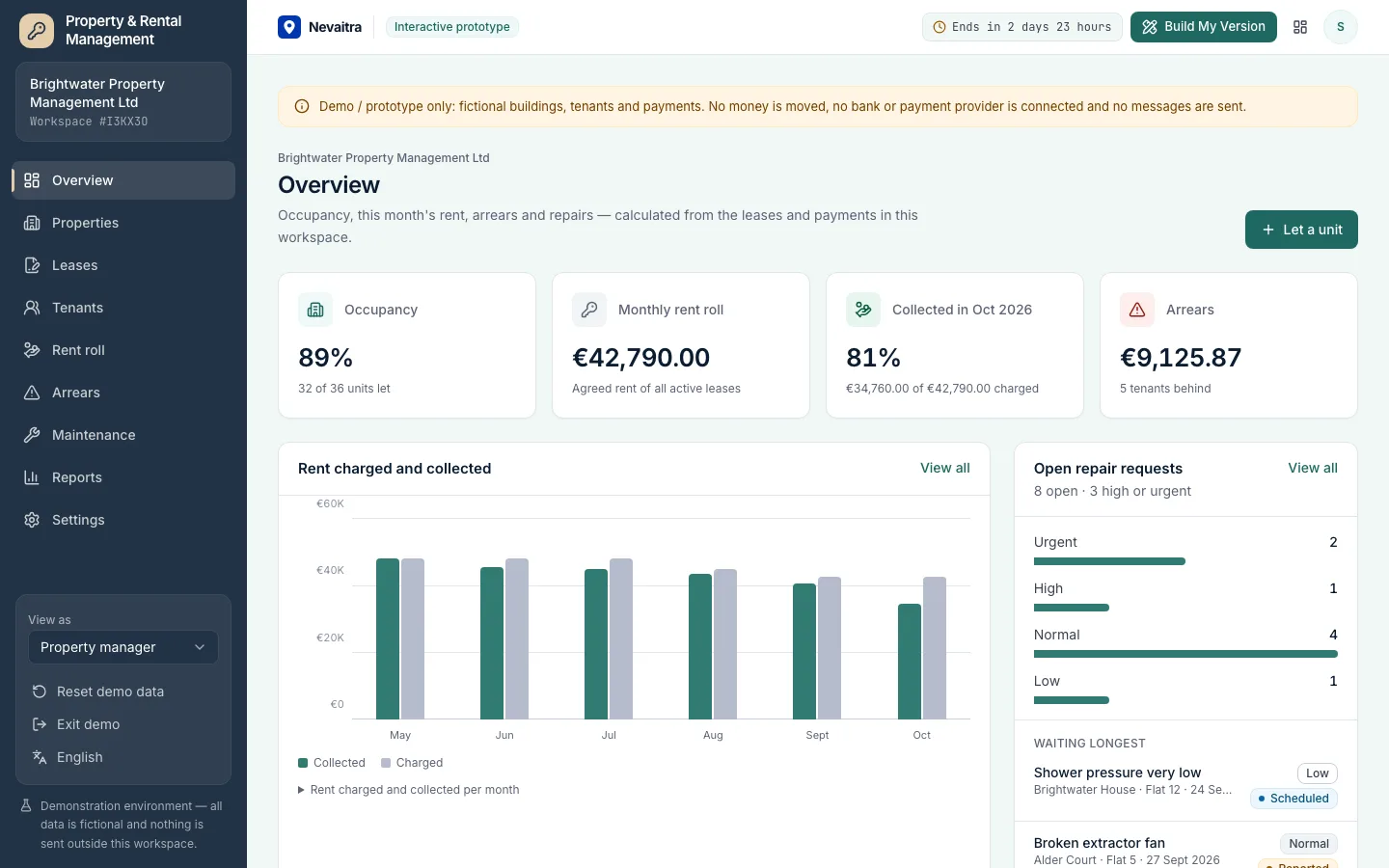
Property management dashboard with occupancy, rent collected, arrears and open repair requests

Property & Rental Management

Properties, units, leases and tenants with a monthly rent roll, partial payments, arrears ageing and maintenance requests — for landlords and property managers.

  • Properties and units
  • Leases without double letting
  • Monthly rent roll
  • Tenants and partial payments

Built with: Next.js · TypeScript · PostgreSQL · Prisma
RetailLive demo
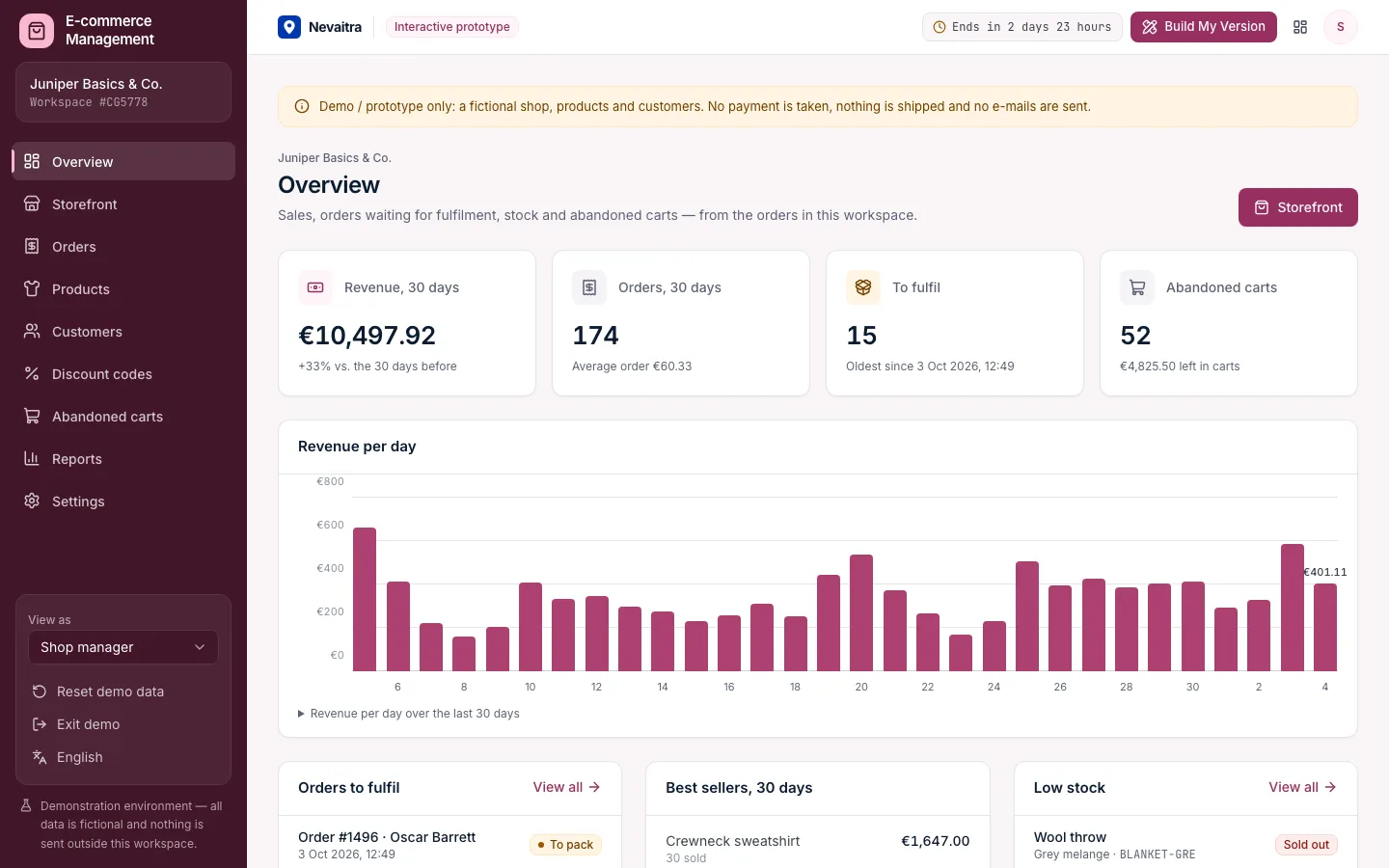
Shop overview with revenue, orders to fulfil, best sellers, low stock and abandoned carts

E-commerce Management

A shop back office with a working storefront: products in sizes and colours, checkout with discount codes, fulfilment with tracking, returns, customers and abandoned carts.

  • Storefront
  • Cart and checkout
  • Orders
  • Fulfilment

Built with: Next.js · TypeScript · PostgreSQL · Prisma
ProductivityLive demo
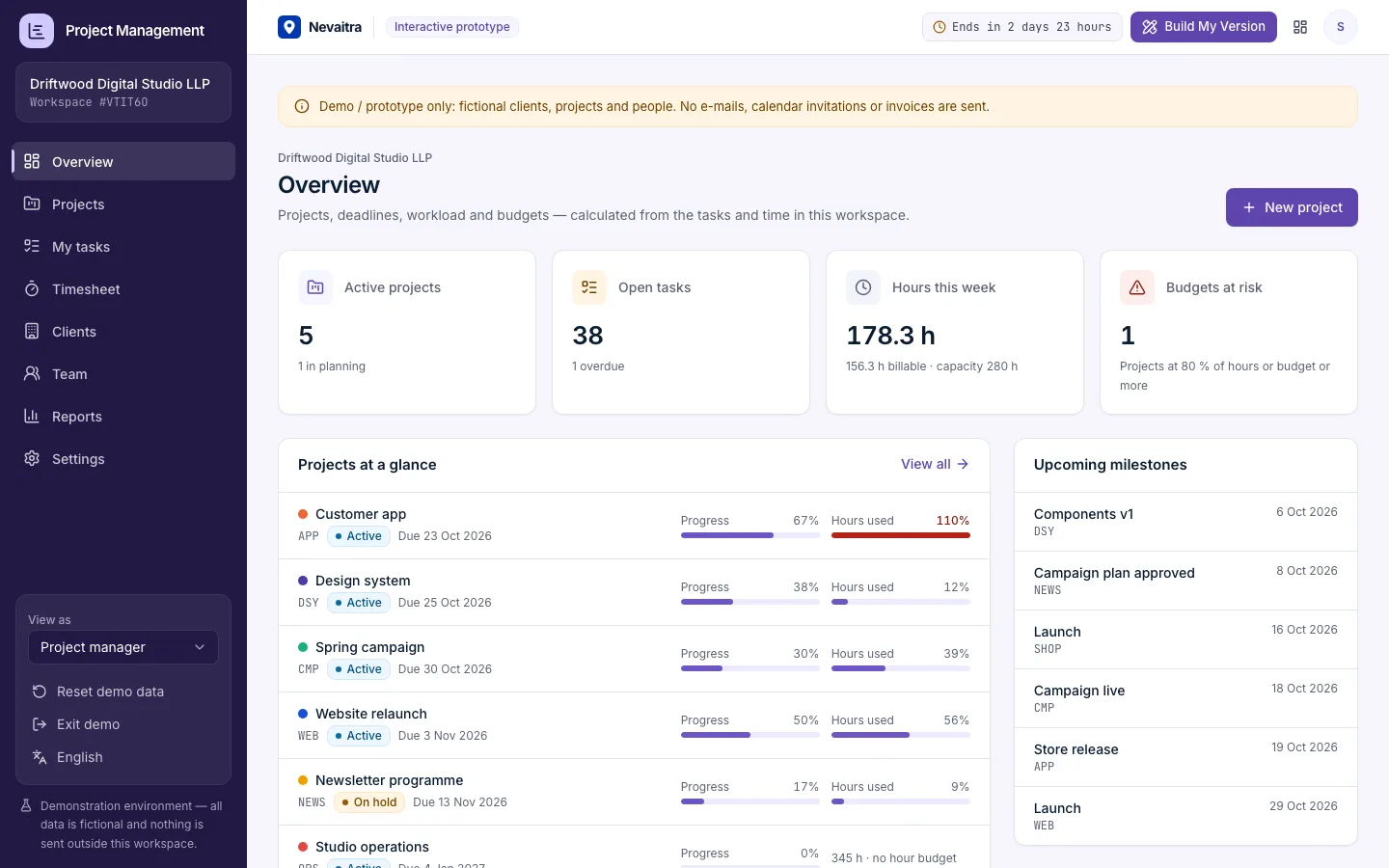
Project portfolio overview with active projects, budgets at risk, overdue tasks and hours logged

Project Management

Projects with milestones, a Kanban board, task comments, time tracking against tasks, budget vs. actual in hours and money, and a read-only client view.

  • Kanban board
  • Tasks
  • Milestones
  • Time tracking

Built with: Next.js · TypeScript · PostgreSQL · Prisma

Want this system, adapted to how you work?

Request a customized version. Mention what you tried in the demo and what needs to be different.